
Hotel POS & PMS Integration — Why Restaurants Need to Talk to Front Desk
Your restaurant is making ₹3 lakh in daily F&B revenue. Your PMS shows ₹50 lakh in monthly room revenue. If these two systems aren't talking to each other, you're losing money in ways you can't even measure. Here's why POS-PMS integration matters, what tight integration actually looks like, and how to avoid the reconciliation nightmare of disconnected systems.
The Disconnected POS — A Hidden Revenue Drain
Guest can't charge F&B to room. Without integration, a guest having dinner pays separately — cash or card. They miss the convenience of 'charge to room', your upsell opportunity is gone, and your folio average drops.
Reconciliation nightmares. Accounts team spends 2–5 hours daily matching restaurant sales against hotel guest folios. Mistakes are inevitable. Month-end is a 2–3 day ordeal of finding discrepancies.
Lost revenue from walk-away charges. Guest orders ₹2,500 worth of room service. Housekeeping finds the tray but the charge wasn't posted. Guest checks out without paying. Happens more than hotels admit — and it's 100% preventable with real integration.
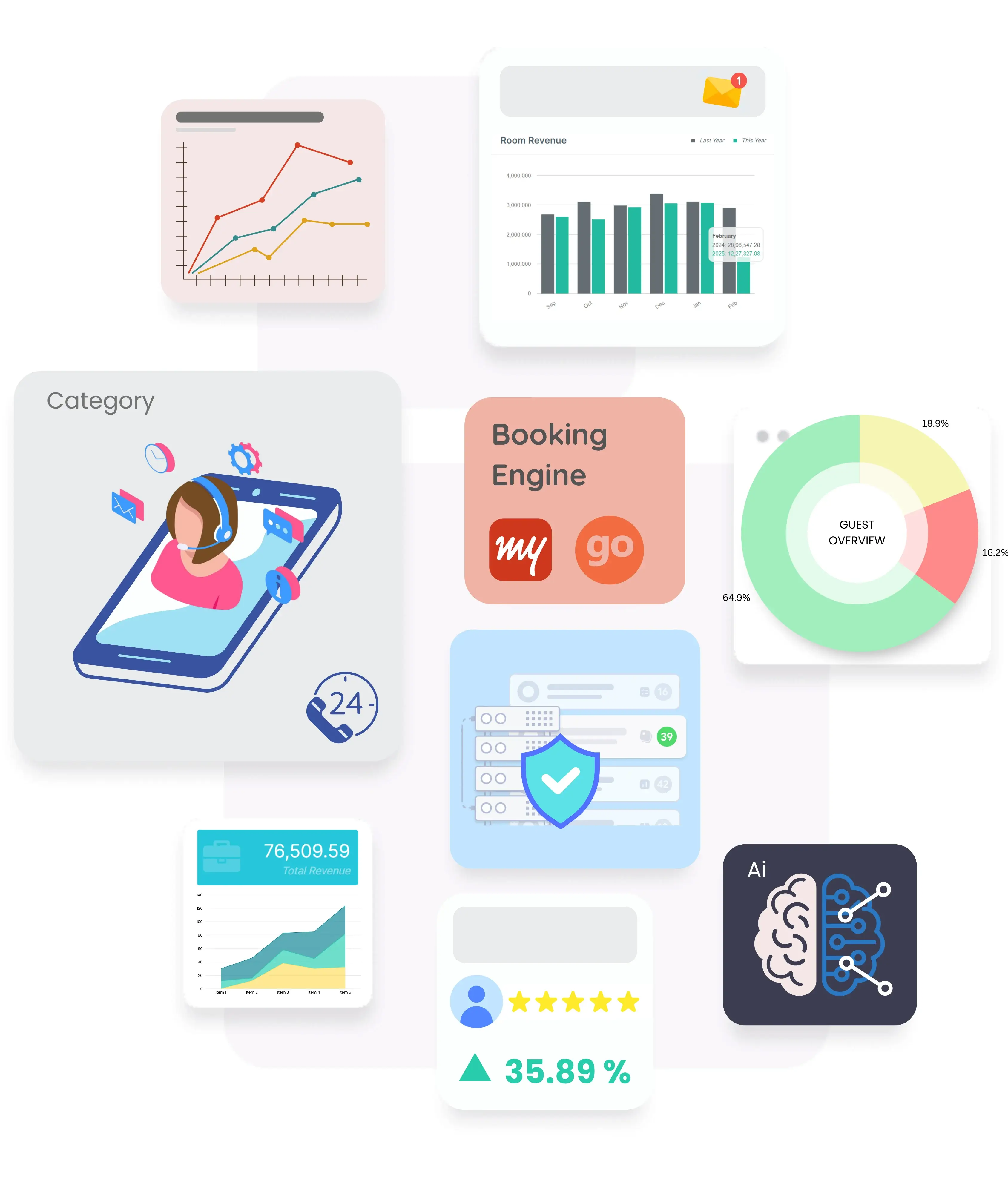
Six Things Full Integration Delivers
These are the operational and financial wins that emerge from tight POS-PMS integration.

Real-Time Folio Posting
Waiter takes order on tablet. Enters room number. Charge posts to guest folio in real-time. Guest checks out 3 days later, charge already on bill. Zero manual work.

Unified Guest Profile
Same guest books room, orders room service, has dinner at restaurant, swims at pool. Complete profile shows every interaction — spend, preferences, dietary notes.

Cross-Outlet Reporting
Management dashboard shows room revenue, restaurant revenue, bar revenue, banquet revenue all in one view. Revenue by guest, outlet, meal period.

GST Automation
F&B GST splits correctly (5% or 18% based on hotel class). Service charge applies per policy. Alcohol kept separate from GST. All automated.
Mobile POS for Outlets
Tablet POS for poolside, beach, banquet, room service. Orders post to folio instantly. No paper chits, no missing charges.

Menu Engineering
Track every item's contribution to F&B revenue and margin. Identify stars vs dogs. Restructure menus toward stars. F&B margin improvement: 3-7% within 12 months.
Must-Have POS Capabilities for Hotels
KOT printing & kitchen display. Orders print in the kitchen instantly on a dedicated printer (or appear on a KDS screen). Waiters don't walk back and forth. See our hotel POS software for India for the specifics.
Table management. Visual floor plan showing occupied tables, bill status, table turn times. Host seats efficiently; managers see throughput at a glance.
Multi-outlet menus. Main restaurant, poolside grill, bar, banquet — each outlet has its own menu, but billing all posts to unified PMS folio.
Offline mode. Poolside Wi-Fi is often weak. Mobile POS must work offline — queuing orders locally and syncing when signal returns. Essential for resorts with spread-out layouts.
Connect Your POS to Your PMS Natively
Exceed's native restaurant POS + PMS integration eliminates reconciliation work and captures every charge.
Common Integration Pitfalls
Three problems hotels run into with POS-PMS integration — and how to avoid them.
.webp)
Two-Way Sync Failures
Charge posts from POS to PMS, but cancellation doesn't propagate. Result: phantom charges on guest folios. True two-way sync prevents this. Test cancellation scenarios extensively during implementation.
Tax Treatment Errors
F&B GST is 5% or 18% depending on hotel class. POS must apply right rate based on property. A hotel that crosses ₹7,500 room threshold mid-year forgets to update POS GST treatment, creating compliance issues.
.webp)
Discount and Comp Handling
Manager comps a meal for complaining guest. POS records comp; PMS receives ₹0 charge; revenue reports show ₹0 instead of comping the underlying revenue. Proper integration tracks comps as separate ledger for accountability.
2000+
Hotels Across India
80k+
Rooms Managed
99.9%
Uptime Reliability
4.8★
Average Rating
Native vs Third-Party POS — Pick Right
Best to go native. Buy POS and PMS from the same vendor. Integration is tight out of the box. One support channel. One data model. No finger-pointing between vendors when something breaks.
When third-party works. If you already have a legacy POS investment, some PMS platforms integrate with popular third-party POS (Squareup, Petpooja, etc.) via API. It works but introduces sync lag and potential data gaps. Replace over time when practical.
For Indian hotels starting fresh, native is almost always the better choice. See hotel POS software for native bundled options.
Related Reading
More resources on hotel F&B and operations.
Frequently Asked Questions
Common questions about hotel POS-PMS integration
-
Should I buy POS separately from my PMS?
If you're starting fresh, native POS bundled with PMS is almost always better — tighter integration, single vendor, lower cost. If you have a legacy POS investment, integrate via API for now and plan to migrate to native within 12–24 months.
-
How does POS-PMS integration improve F&B margin?
Integration enables menu engineering (track every item's revenue and margin), comp tracking, accurate inventory consumption, and time-of-day pricing. Hotels typically see 3–7% F&B margin improvement within 12 months of native integration.
-
What happens if my POS is offline?
Modern POS includes offline mode — orders queue locally, sync when connection returns. Essential for resorts with patchy Wi-Fi. Always test offline mode during implementation.
-
How much does integrated POS add to PMS cost?
Native bundled POS typically adds ₹1,500–₹4,000/month for a 30-80 room property with one outlet. Multi-outlet adds incrementally. Total integrated solution still cheaper than separate POS + integration costs + dual-vendor support.
-
Does Exceed include POS?
Yes — Exceed includes a native restaurant POS that posts directly to guest folio with proper GST splits. Multi-outlet, mobile POS, KOT printing, table management. Start free trial to see it integrated.
Have any specific questions? Get in Touch