
Run Your Hotel From Your Phone
Exceed Mobile PMS puts reservations, check-in, room status, restaurant orders and live reports on your Android phone. Everything you do in the app updates the main system at once, so the desk and the office always see the same hotel.

- For owners, front desk, housekeeping and F&B captains
- Updates in real time on every device
- Part of the Exceed PMS used by 2,000+ properties
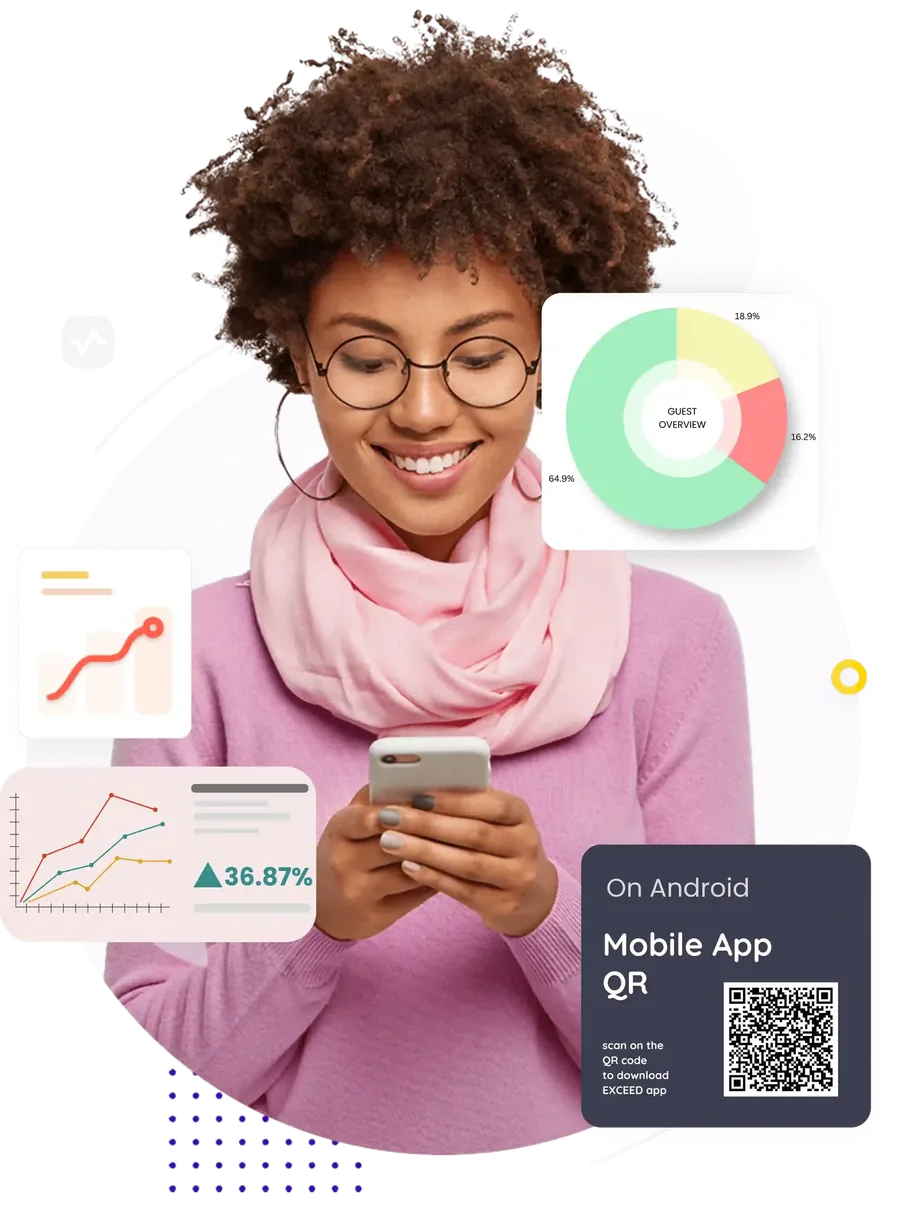
Everything You Need, Right in Your Pocket
Six jobs that no longer need a desktop. Each one saves to the main system the moment you tap.
Bookings on your phone
View, create and change bookings. OTA, website and walk-in reservations appear as they happen.
Check-in and check-out
Assign the room, review the folio and settle the bill from your phone, without going back to the desk.
Housekeeping status
Staff mark rooms clean, dirty or under maintenance, and the front desk sees it immediately.
Captain ordering
Take the order at the table and send it straight to the kitchen. No paper slips, no missed items.
Live reports
Check occupancy, revenue and the day's performance at any time, without waiting for end-of-day reports.
Instant alerts
Get a notification for each new booking, cancellation and guest request.
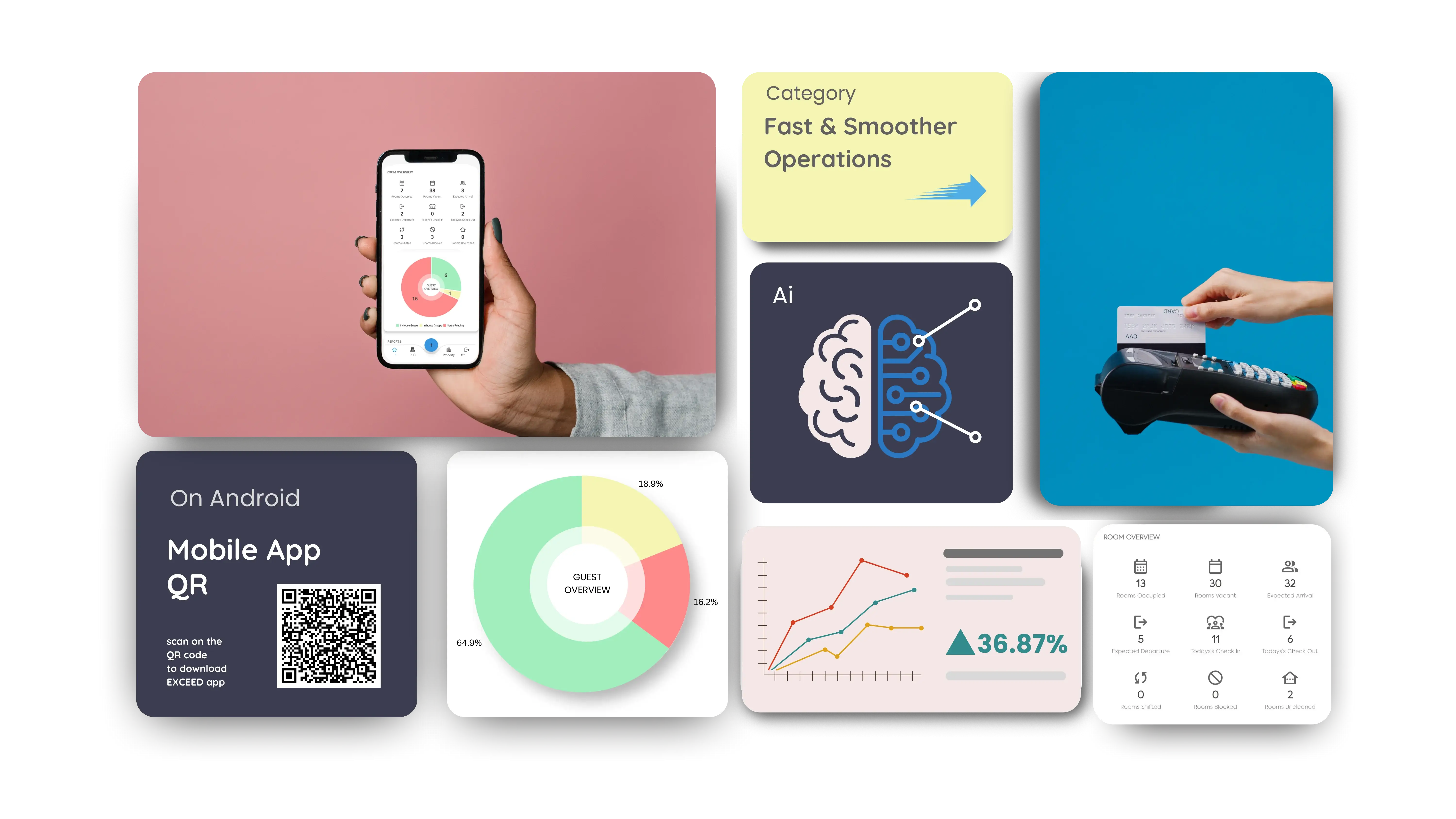
Built for Speed, Security and Ease
-
Secure on every device
Guest data and payments are encrypted, and role-based access means each staff member sees only what they need.
-
Fast and reliable
Bookings, guest details and live reports open in a tap, with 24/7 support whenever you need help.
-
Learned in minutes
A clean layout and simple navigation mean new staff need almost no training.
One App for Every Role in the Hotel
From the owner's office to the housekeeping floor, each person signs in and sees their own work.
Owners and managers
Watch occupancy, revenue and live performance from anywhere, even when you are travelling.
Front desk staff
Check guests in and out, allocate rooms and handle billing from a phone, away from the desk.
Housekeeping teams
Update room status in real time, so the desk always knows which rooms are ready.
F&B captains
Take table orders on the Captain App and send them straight to the kitchen.
2000+
Hotels Using Exceed PMS
Android
Available on Google Play
Real-Time
Sync Across All Devices
24/7
Customer Support
Frequently Asked Questions
Common questions about the Exceed mobile hotel management app
-
Who can use the Exceed mobile app?
Hotel owners, managers, front desk staff, housekeeping teams and F&B captains. Each person signs in with their own login and sees only what their role allows.
-
Is Exceed on mobile a separate app or a website?
Both. Exceed is an Android app you install from Google Play, and it also opens in any web browser. The app and the browser version work on the same data, so you can switch between them at any time.
-
Can I check guests in and out from my phone?
Yes. You can assign the room, review the folio and settle the bill in the app, so a guest can be checked in or out away from the front desk.
-
Can housekeeping update room status in the app?
Yes. Housekeeping staff mark a room clean, dirty or under maintenance on their phone, and the front desk sees the change at once.
-
Does the mobile app update in real time?
Yes. Anything you do in the app is saved to the main Exceed system and the channel manager straight away, so reservations, room status and availability stay the same on every device.
-
Which phones does the app work on?
The app is available for Android phones and tablets from Google Play. On other devices, Exceed opens in the web browser.
-
Can I get notifications for new bookings?
Yes. The app can send a notification for each new booking, cancellation and guest request.
-
Can I limit what each staff member sees?
Yes. An administrator gives each user a role, and the role decides which screens and information that person can open.
-
What if I need help with the app?
The Exceed support team is available 24/7 by phone and WhatsApp to help with setup and any problem you run into.
Have any specific questions? Get in Touch